Lists
Lists are your way to organize and manage data within the Altrata system. These can be lists of people or organizations, and is frequently used to manage targets, prospects, donors, etc.
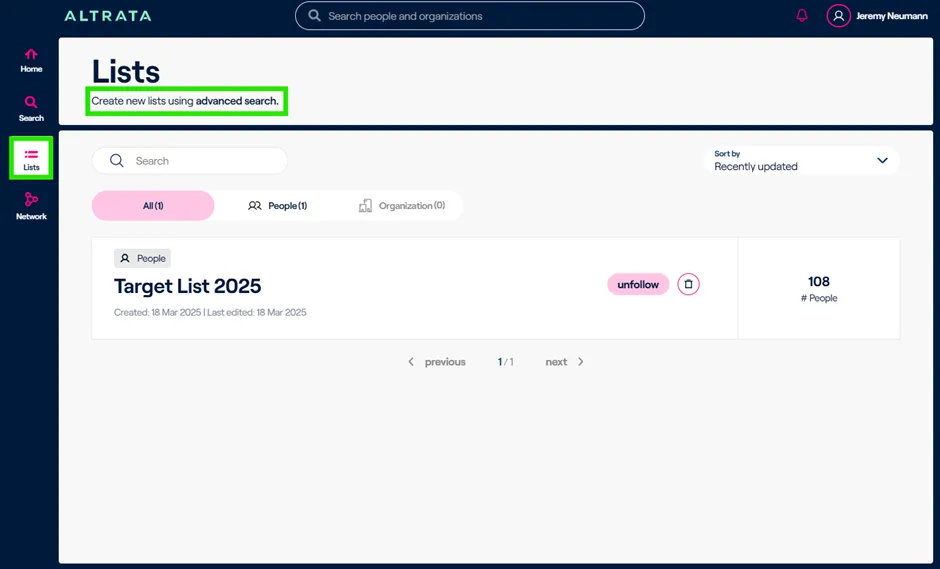
Currently, the only way to create lists is via Advanced Search or via profiles by adding individual profiles to an existing or new list.Eventually we will allow you to upload a CSV file to create a list from external information (e.g. a target list from your CRM).
Once a list is created, there's a couple options you have.
1. You can click into the list itself, add a list description, edit the list details such as renaming the List.
2. You can delete an existing list as well as perform other actions within the list, such as removing certain names or entities from the list, adding them to another list, or adding them to a contact.